Creating a New Saved Search
You can create a Saved Search from a combination of filters on the Full Patron List. Any created Saved Searches are available in the Search list when searching the Full Patron List and on the Saved Searches page.
To create a new Saved Search:
- On the Full Patron List, customize the list with the filters you want to use for the Saved Search as follows:
- In the bottom-right corner, click
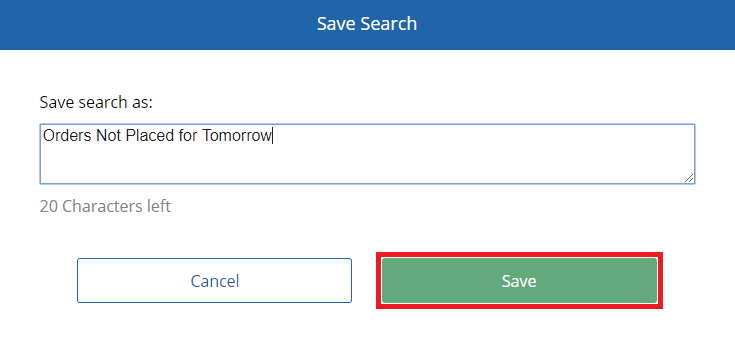
 . The Save Search dialog appears.
 - In the Save search as box, enter a name for the Saved Search.
- Click Save.
Note: The name of a Saved Search cannot contain special characters (!,#,$,’, etc.).