Searching the Full Patron List
You can use the search box on the FPL to quickly search through all patrons. The search box will display any patrons that match the entered keyword with their current displayed information.
To search the Full Patron List:
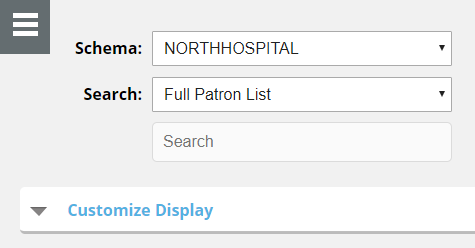
- In the Search list, select the list you want to search as follows:
- If you want to search the FPL, click Full Patron List.
- If you want to search a created Saved Search of the FPL, select the name of the Saved Search.
- In the Search box, begin typing the keyword by which you want to search. As you type the FPL will filter out any patrons that do not match your keyword(s) in their displayed information.