Filtering the Full Patron List
You can quickly filter the FPL to display only patrons that match your selected filters.
To filter the Full Patron List:
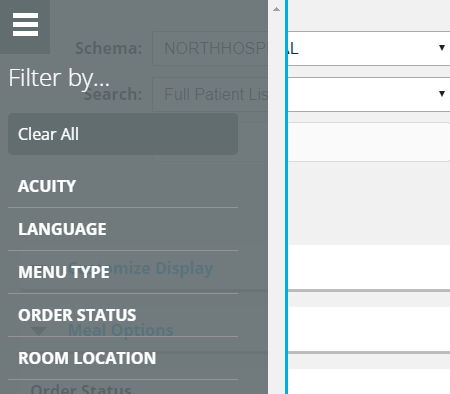
- On the Full Patron List, in the top-left corner, click . The filter drawer expands from the left.
- Select the category with which you want to filter patrons:
- If you want to display all patrons that match any of the options in the category, click All.
- If you want to display all patrons that match an option in the category, select the option.
Note: For example, if you want to only display patrons that need meal orders to be placed, click ORDER STATUS > Not Ordered.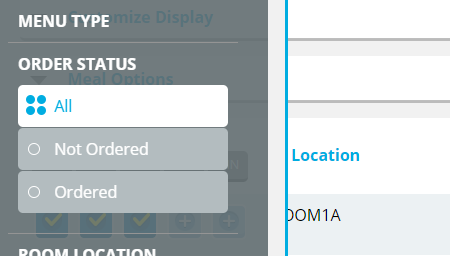
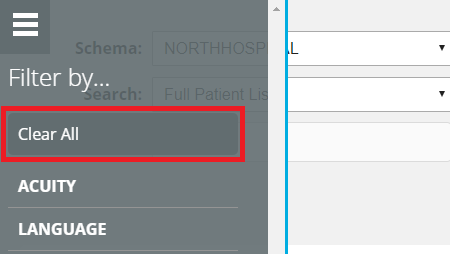
- If you want to clear all selected filters, click Clear All.