Selecting Meals to Display on the Full Patron List
You can customize which meals will be displayed under Order Status on the FPL. You can use these options to customize a specific view of the FPL and save it as a Saved Search.
To select the meals to display on the Full Patron List:
- To the left of Meal Options, click
 . The menu expands.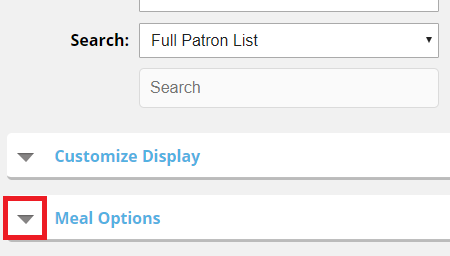
- Under Start, select the starting meal to display under Order Status as follows:
- In the Day list, select the starting day to display meal order status as follows:
- In the Meal list, select the starting meal to display meal order status.
- Under End, select the ending meal to display under Order Status as follows:
- In the Day list, select the ending day to display meal order status.
- In the Meal list, select the ending meal to display meal order status.
- Under Meals to process, in the list, select the meals selection set from Hospitality Suite to use to select which meals within the Start and End range are displayed under Order Status.
Note: For example, if the Start meal is set to Lunch and the End meal is set to 8 PM Snack, and you select a selection set with only Breakfast, Lunch, and Dinner in the list, only Lunch and Dinner will be displayed under Order Status because the selection set excludes all snacks despite them being included in the selected range in the application.
As you make selections, the Order Status column changes to reflect your selections.