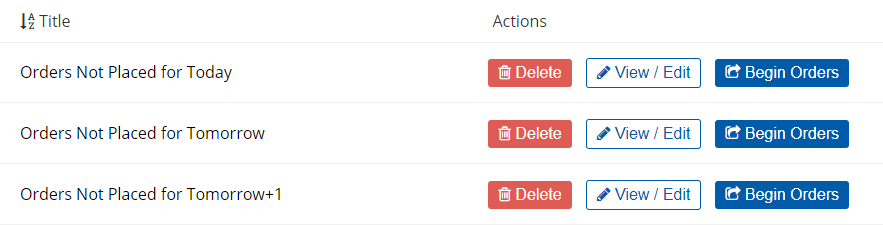
Saved Searches
You can use the Saved Searches feature to set up and save for later use a specific combination of filters, customized columns, and displayed meals from the Full Patron List. For example, you can build a Saved Search that displays only patrons that have not yet had breakfast ordered for the following day, so your facility can have all those orders set up in advance and ready to go for the morning.
While Saved Searches is accessible for both application modes, it works best for Bedside Mode where you can quickly place orders for all patrons included in the Saved Search by using the Next Meal and Next Patron  buttons.