Editing a Saved Search
You can edit a Saved Search at any time if you want to modify the selected filters, customized columns, and displayed meals used to create the Saved Search initially.
Note: Overwriting an existing Save Search is not available at this time. You will need to save the updated Save Search with a new name and then delete the old Saved Search.
To edit a Saved Search:
- On the Saved Searches page, for the search you want to edit, click
 . The Full Patron List opens displaying the results of the Saved Search.
 - On the Full Patron List, customize the list with the filters you want to use for the Saved Search as follows:
- In the bottom-right corner, click
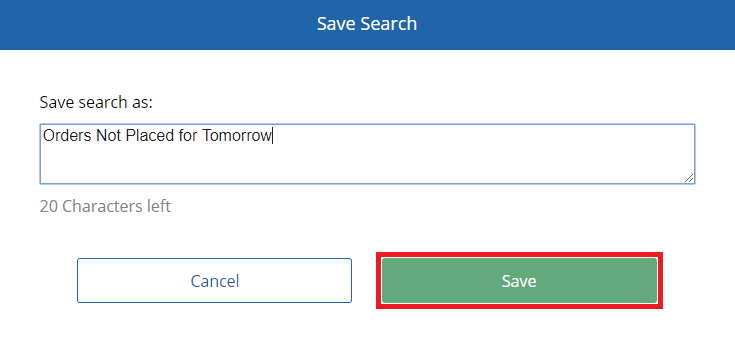
 . The Save Search dialog appears.
 - In the Save search as box, enter a name for the Saved Search.
- Click Save.
Note: The name of a Saved Search cannot contain special characters (!,#,$,’, etc.).