Scheduling Meal Delivery for Later
If you do not want to print a ticket immediately for a meal, you can instead schedule delivery of the meal at a later time within the same day.
To schedule a meal for a specific delivery time:
-
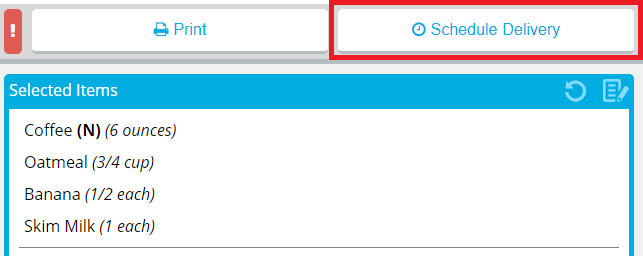
- In the Schedule delivery for a specific time list, select the time you want the patron record to be delivered.
- Depending on the time you select, the ticket for the meal will be printed with enough lead time to ensure that the meal will be delivered at the selected time.
- If your facility uses Production Control, the number in parentheses is the number of delivery slots available at that time. If no slots are available, the time displays Full instead of a number.
- If the time slot you want to select is full and you still want to deliver at that time, click to select Override.
- Click Schedule Delivery.
- If you want to change the scheduled delivery time, repeat the previous steps, selecting a different available time.
Notes:
The Schedule Delivery button changes to display the current scheduled delivery time.
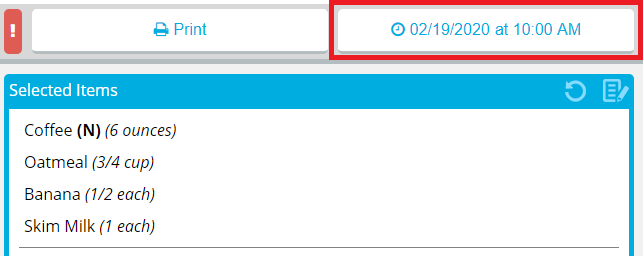
Note: Printing the ticket when a delivery time is scheduled will cancel the scheduled delivery time.