Printing a Ticket
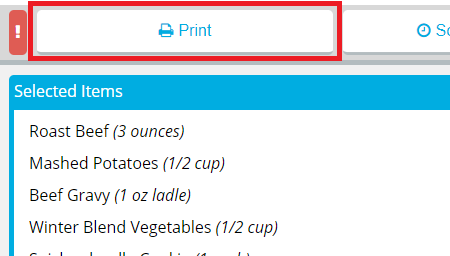
When you are done selecting menu items for a meal, you can print the ticket so it will be delivered as soon as possible.
Note: Once you have printed a ticket, you cannot make any changes to the selected menu items or add new selections to the meal. If you need to order additional menu items for a patron, you can do so on an additional tray.
To print a ticket immediately: