Viewing Details for a Closed Requisition
You can view the details for any requisitions closed from Inventory Connect, including total cost and the name and signature of the recipient.
To view details for a closed requisition:
- On the navigation bar, click Requisitions.
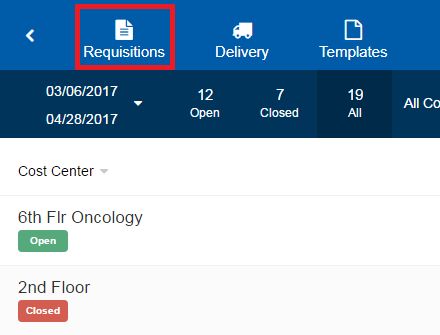
- On the Requisitions page, select the closed requisition for which you want to view details. The page for that requisition opens.
The time and date that the requisition was closed are displayed at the top of the screen. The recipient and their signature are at the bottom of the screen.
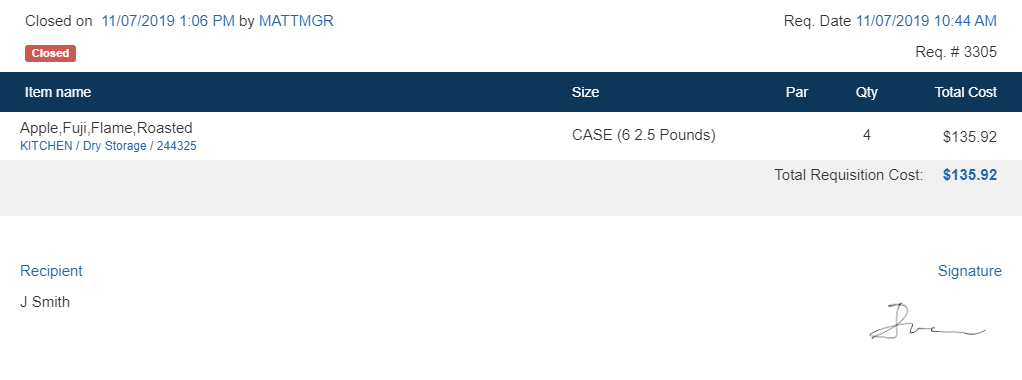
Note: The signature is only viewable in Inventory Connect. It is not viewable in Hospitality Suite.