Deleting an Item from a Worksheet
If an item in a worksheet is not available to be inventoried, you can delete it from the worksheet.
To delete an item from a worksheet:
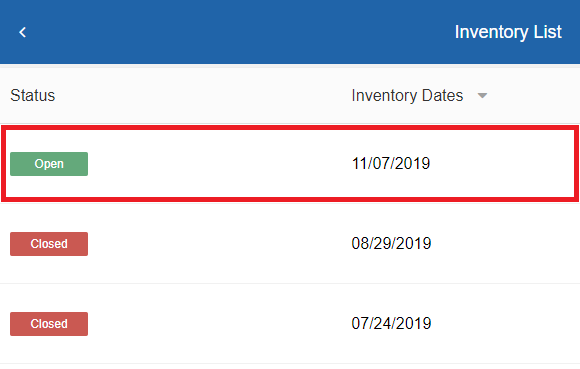
- On the Inventory List page, click the Open inventory in which you want to edit a worksheet. The Physical Inventory page for that inventory opens.
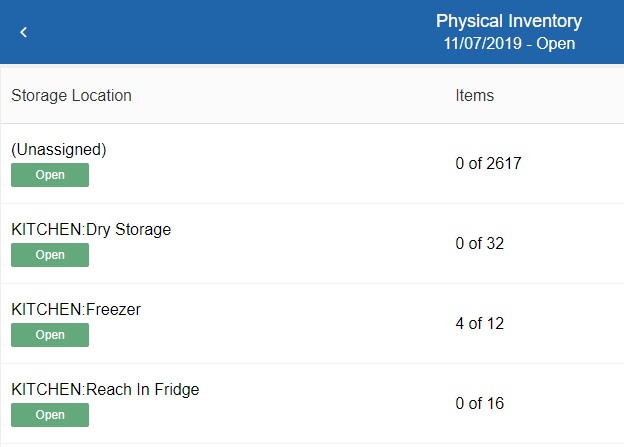
- Select the open worksheet from which you want to delete an item. The storage location page opens.
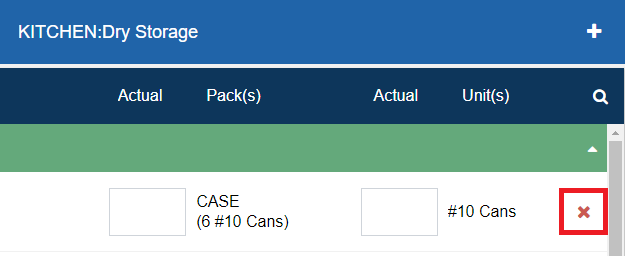
- For the item row you want to delete, click . A confirmation message appears.
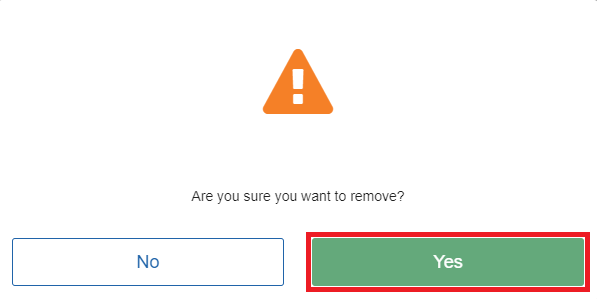
- Click Yes.