Re-opening a Closed Worksheet in an Open Inventory
As long as the inventory is still open, you can re-open a closed worksheet to update the items or recorded amounts in the worksheet.
To re-open a closed worksheet:
- Click Inventory > Edit Review. The Physical Inventory List dialog box appears.
- Select the open inventory in which you want to re-open a worksheet.
- Click Select. The Physical Inventory dialog box appears.
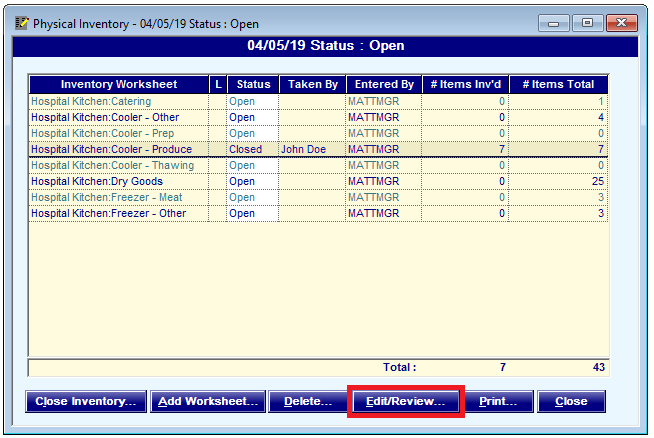
- Select the closed worksheet you want to re-open.
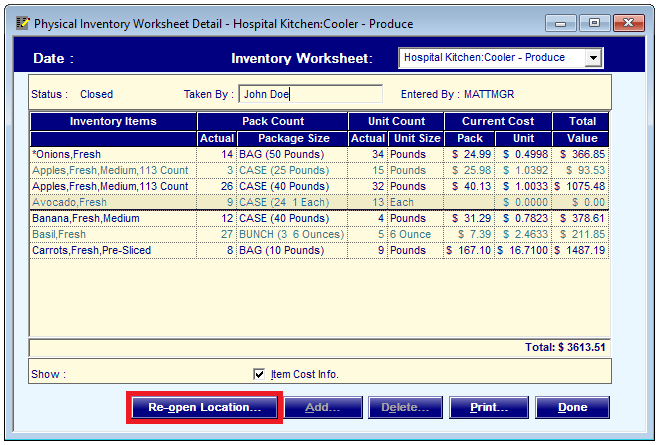
- Click Edit/Review. You can also double-click the worksheet. The Physical Inventory Worksheet Detail dialog box appears.
- Click Re-open Location. A confirmation message appears.
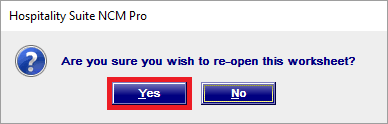
- Click Yes.