Adding a Worksheet to an Open Inventory
You can add a new worksheet for a storage location to an open inventory.
To add a worksheet to an open inventory:
- Click Inventory > Edit Review. The Physical Inventory List dialog box appears.
- Select the open inventory to which you want to add a worksheet.
- Click Select. The Physical Inventory dialog box appears.
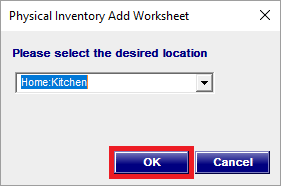
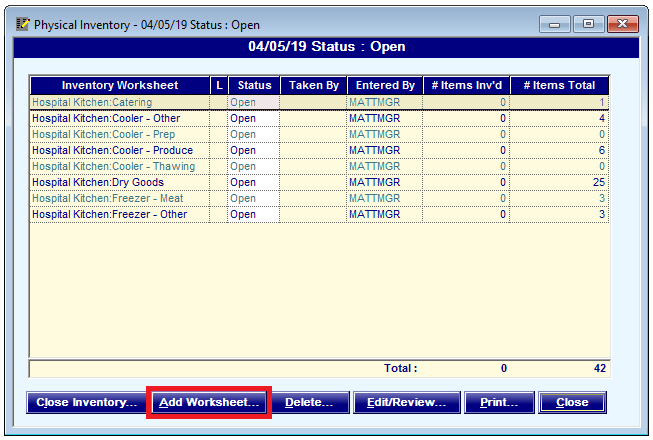
- Click Add Worksheet. The Physical Inventory Add Worksheet dialog box appears.
- In the Please select the desired location list, select the storage location for which you want to add a worksheet.
- Click OK.
The worksheet is added to the inventory.