Requesting a Menu Item Not on the Menu
If a patron is requesting an item that is not included on the menu, you can search for and add a request item.
To request a menu item that is not on the menu:
- On the patron record, in the category menu, click Request Items.
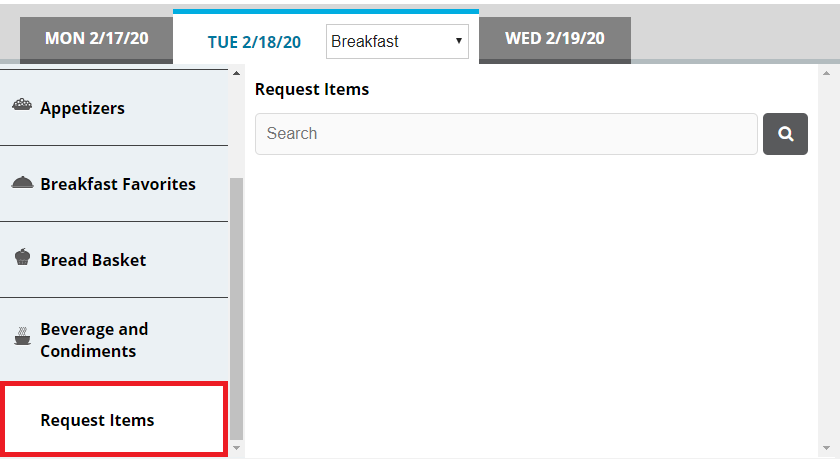
- In the search box, enter a keyword for the item for which you want to search.
- Click
 . You can also press Enter. The search results appear.
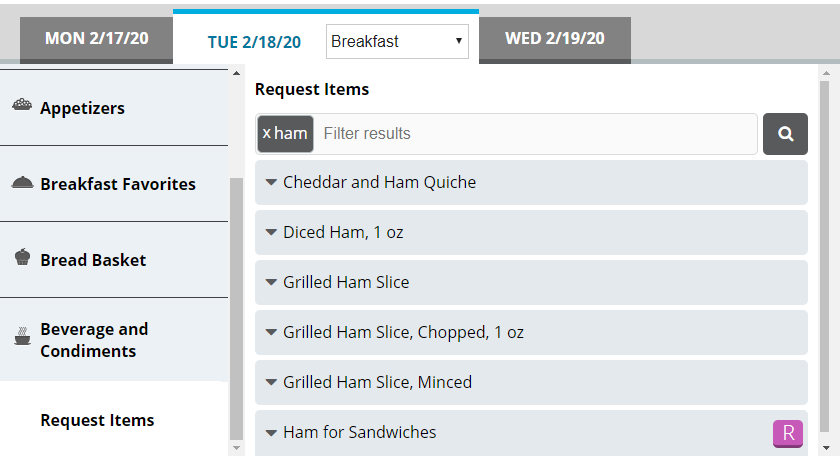
- If you want to filter the displayed search results, in the search box, enter an additional keyword with which to filter. The results filter as you type.
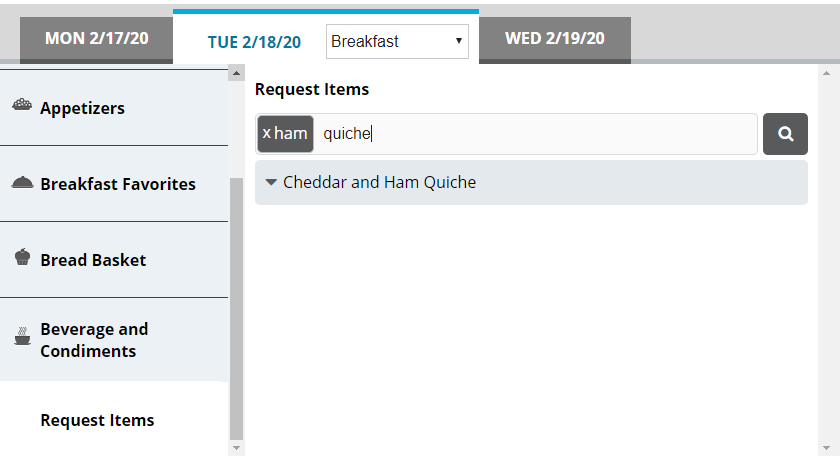
- From the results, select the request item you want to order. The item is added to the Selected Items list.