Marking a Tray as Not Consumed by a Patron
If a patron did not consume a tray and you do not want the nutrients and exchanges from that meal to be included in the totals on the patron's Meal Nutrients & Exchanges and Daily Total Nutrients tabs, you can mark the lack of intake on the patron's tray history.
To mark a tray as not consumed by a patron:
- On the patron record, select the date for which you want to mark a tray as not consumed.
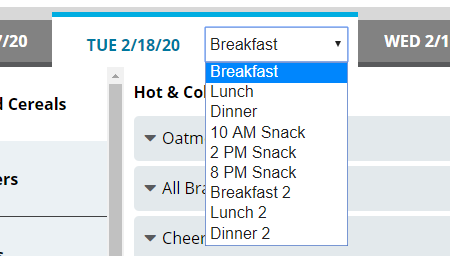
- In the list, select the appropriate meal.
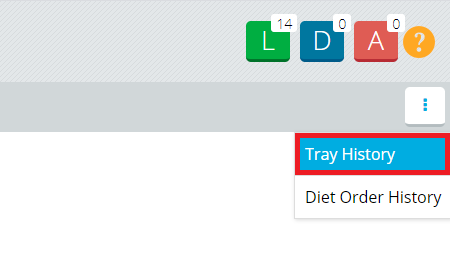
- On the patron record, in the top-right corner, click
 . A drop-down menu appears.
 - Click Tray History. The Printed Tray History dialog appears.
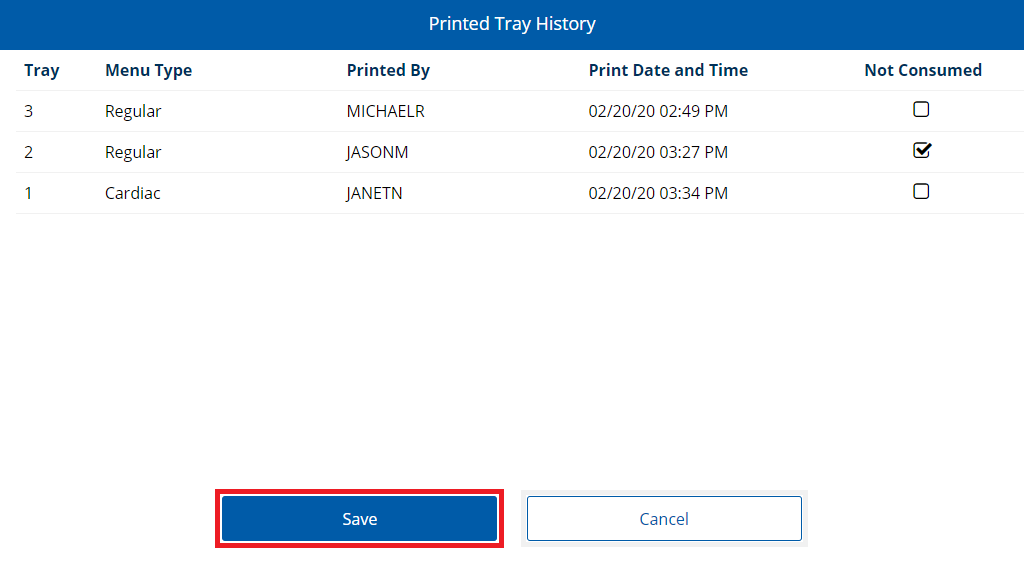
- For the tray(s) you want to mark, click to select Not Consumed.
- Click Save.
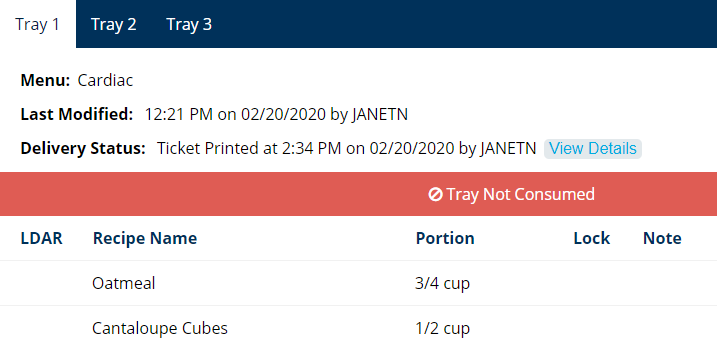
A message will display on the marked tray(s) that indicates they were not consumed.