Entering Staff Notes for a Patron
You can enter and update notes for a patron that will also appear when the patron is viewed in Hospitality Suite.
To enter staff notes for a patron:
- On the patron record, click the General Information tab.
- To the right of Staff Notes, click
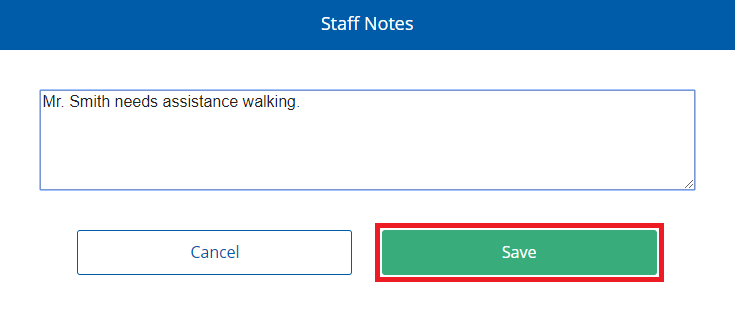
 . The Staff Notes dialog appears.
 - In the box, enter or update any notes about the patron you want to share with colleagues.
- Click Save.