Selecting a Patron's Religion
You can select the patron's religion, which can affect dietary considerations. This selection will also appear when the patron is viewed in Hospitality Suite.
To select the patron's religion:
- On the patron record, click the General Information tab.
- To the right of Religion, click
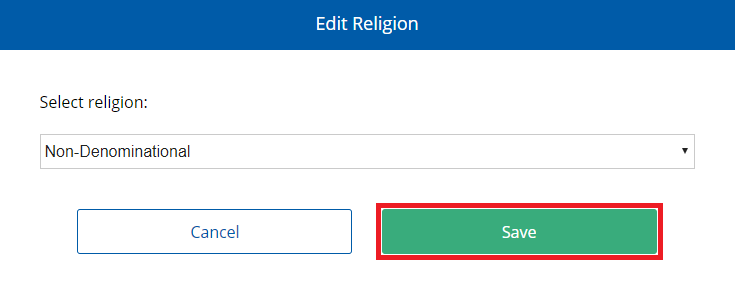
 . The Edit Religion dialog appears.
 - In the Select religion list, select the patron's religion.
- Click Save.
The available languages in the list are based on the languages included in the Religions system table. For more information on managing available languages in that table, refer to the Hospitality Suite User Manual, System Tables > Patrons Tables > Religions Table.