Time Out Settings
To ensure HIPAA compliance, users are automatically logged out of the application after an extended period of inactivity.
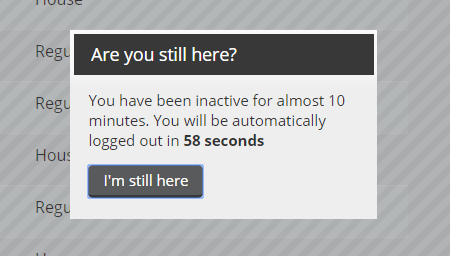
A message with a timer appears if you haven't taken any actions or clicked to a different page in 10 minutes. You will have 60 seconds to click I'm still here to continue your session. If you do not click the button within 60 seconds, you are logged out of the session.
Note: If a user closes the browser tab/window while they were in a patron record, that record is locked for a 10-minute timeout. However, if the same user logs back in within the 10-minute window, the lock is cleared and the patron record is available for editing.