Switching to a Different Facility (Schema)
The following is only available to customers with Room Service Connect.
If Room Service Connect was installed with multiple facilities (schemas), you can quickly swap between two different facilities (without having to log out/in) if your user credentials are the same for both your original facility and the facility to which you are switching.
For more information on setting up multiple facilities in Room Service Connect, refer to the Connect Suite Installer User Guide.
To switch to a different facility (schema):
- In the top-left corner of the Full Patron List or Quick Search page, in the Schema list, select the facility you want to switch.
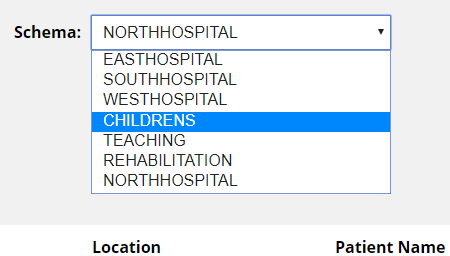
The page will reload to display the records for the destination facility.
Note: If your user credentials are not set up for the destination facility, the login page will appear.