Deleting a Template
To delete a template:
- In the navigation bar, click Templates.
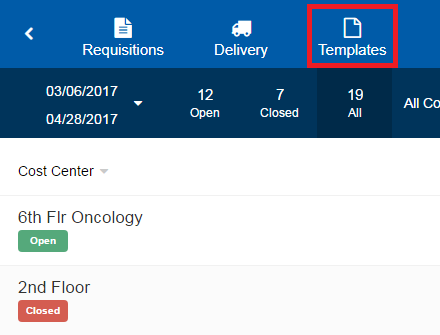
- On the Templates page, select the template you want to delete. The page for that template opens.
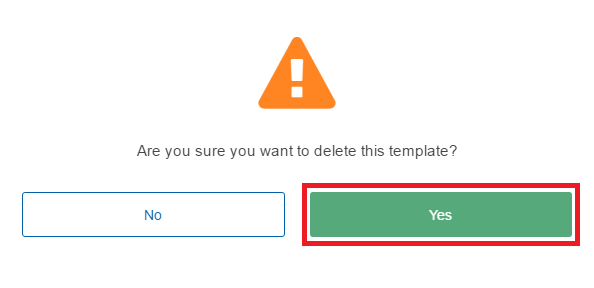
- In the top-right corner of the page, click . A confirmation message appears.
- Click Yes.
Note: Requisitions created using this template will not be deleted.